BackitSnappy turns the Telegram account you already have into private, effectively unlimited storage — and always uploads the untouched original. A 4K video goes up as a 4K video and comes back byte-for-byte identical. No storage tier, no "storage saver," $0/month.
Every mainstream option asks you to trade money, privacy, or control — usually all three.
Free tiers shrink, paid tiers grow, and the bill never stops once your library outgrows the free allowance — which it always does.
Hit the limit and you're stuck deleting memories or paying more for a bigger tier you didn't ask for.
Your photos live on someone else's servers, under someone else's terms — cancel the subscription and you can lose access entirely.
None of the popular choices actually solve cost, privacy, and control at the same time.
| Option | Monthly cost | Storage limit | Your data, your control | Setup effort |
|---|---|---|---|---|
| iCloud+ / Google One | $3–$20+ | Fixed tiers, always eventually full | Vendor-controlled | Low |
| Dropbox / OneDrive | $10+ | Fixed tiers | Vendor-controlled | Low |
| Self-hosted NAS | $0/mo, high upfront cost | As much as you buy | Fully yours | High — hardware, networking, offsite backup |
| Manual / USB drives | $0/mo | As much as you buy | Fully yours | High — no automation, single point of failure |
| BackitSnappy | $0, forever | 2GB–4GB per file, effectively unlimited total | Your own Telegram account | Low — one-time setup, automatic after |
Telegram already gives every account generous per-file limits and no real total storage cap. BackitSnappy just puts that to work.
No tier to outgrow, no bill that creeps up. Telegram is the storage layer, and it costs nothing to use.
Every install is fully independent — your own Telegram session, your own local database, your own account. Nothing shared or centralized between users, ever.
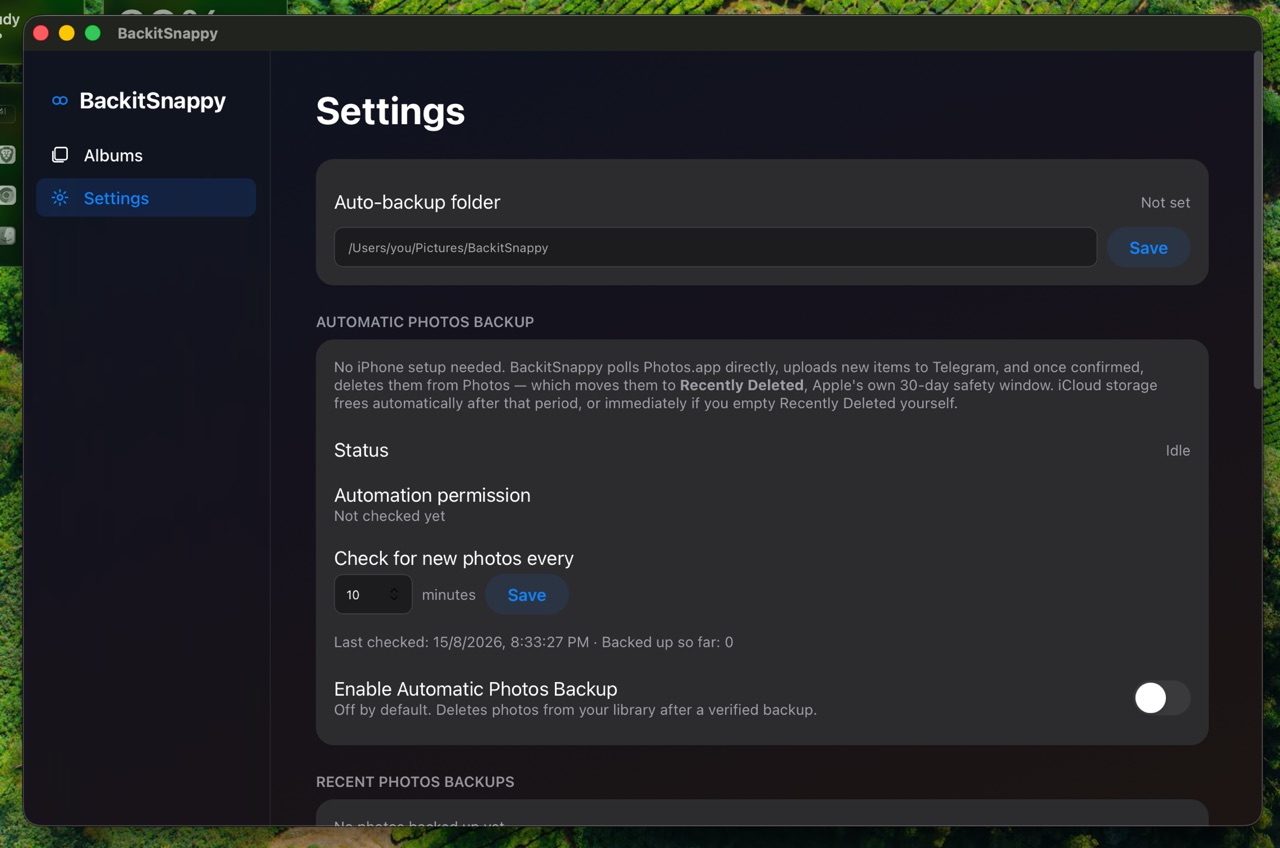
A watched Mac folder and scheduled Photos-library backup mean it happens without you thinking about it — and your Photos library gets cleared out afterward.
Every line is inspectable. Run it as-is, or fork it and make it yours.
Set either one up once, and backing up stops being something you have to remember to do. Both send the original file, untouched.
Set an auto-backup folder once, and anything added to it — or any of its subfolders — uploads on its own. No dragging files into the app.
Turn on Automatic Photos Backup and BackitSnappy checks your macOS Photos library on a schedule, uploads anything new in full original quality, and clears it out of Photos so iCloud stops filling up.
No transcoding, no quality tiers, no stripped metadata. What you back up is what comes back — verified byte-for-byte. Up to 2GB per file, or 4GB with Telegram Premium.
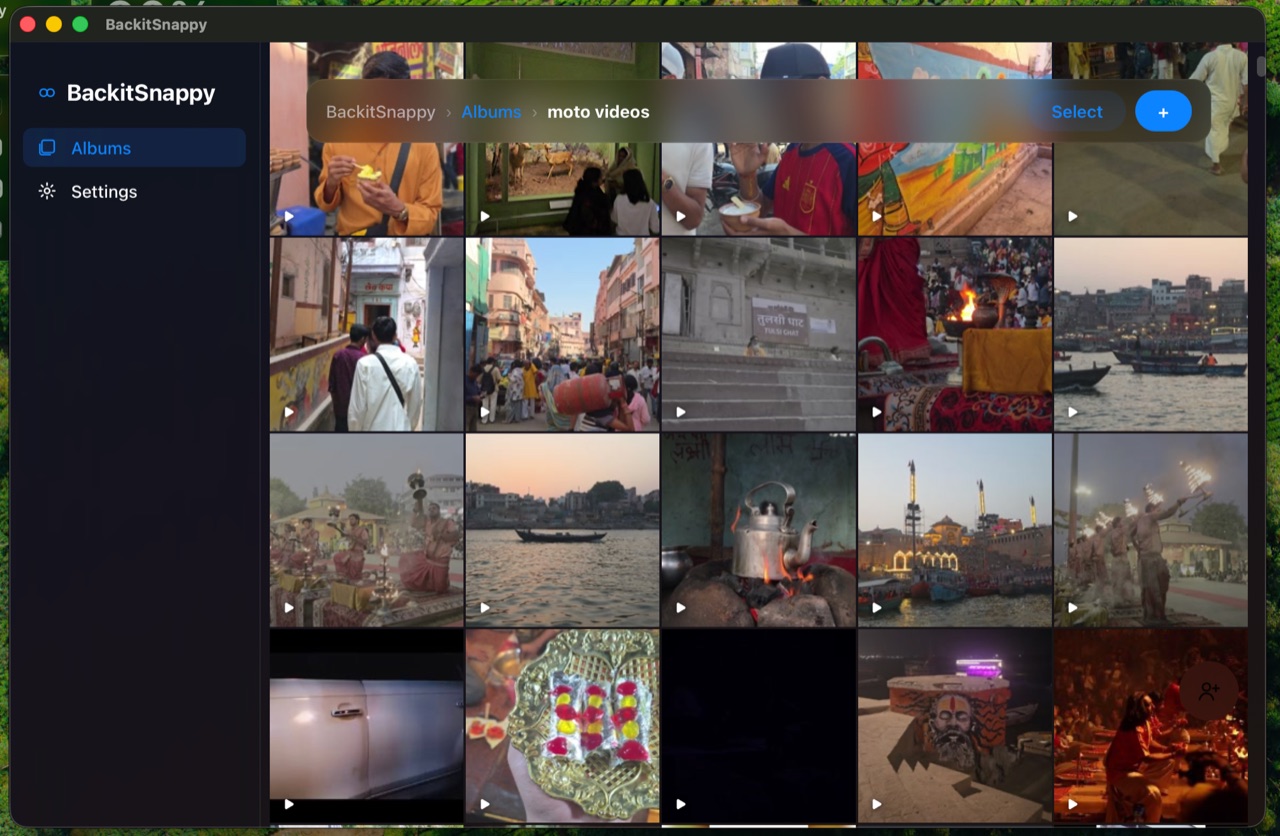
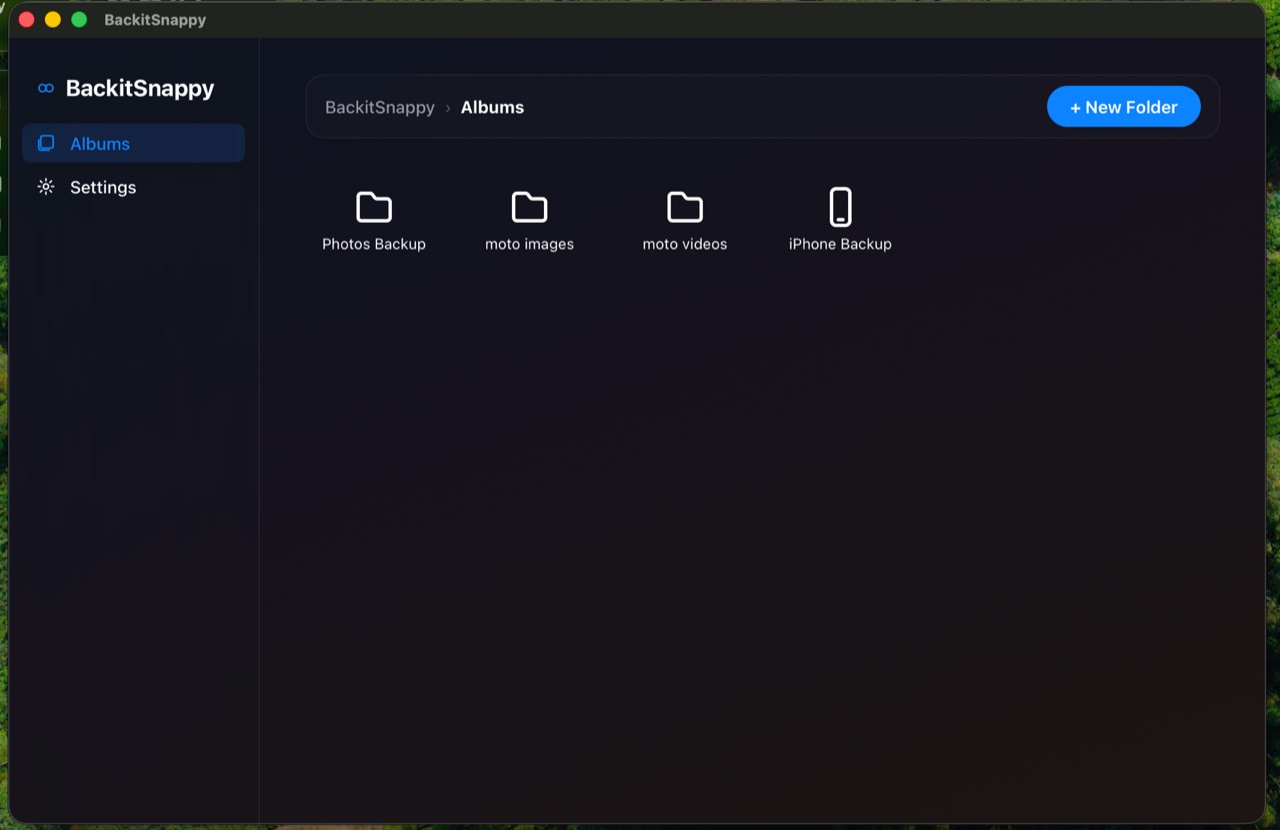
Organize backups into albums, invite others by Telegram username, and browse each one as a fast, Photos-app-style grid.
Click a video and it plays right away, pulled from Telegram as you watch. No waiting on a multi-gigabyte download, and nothing left behind on your disk.
The same file never gets uploaded twice — content is hashed and deduplicated, so re-drops and duplicate selections are free.
Credentials live in the macOS Keychain only, the local API binds to localhost and nothing else, and every request needs a pairing token that never touches the network.
Your library isn't limited by local disk — only a capped cache lives on your Mac, and you set the ceiling. Everything else stays in Telegram until you open it.
Not a browser tab pretending to be an app — a proper macOS window that follows Apple's own design conventions.
BackitSnappy doesn't hold your data itself — it uploads to private channels on your own Telegram account, with no separate password or server in between. Anyone who can get into your Telegram account can see everything you've backed up. Turning on Telegram's own Two-Step Verification before relying on this is genuinely the most important step in the whole setup — it's covered first thing in the setup guide.
Free, open source, and set up once. Your data, your Telegram account, your control.